Slack
The serverless CA can be configured to deliver notifications to Slack.
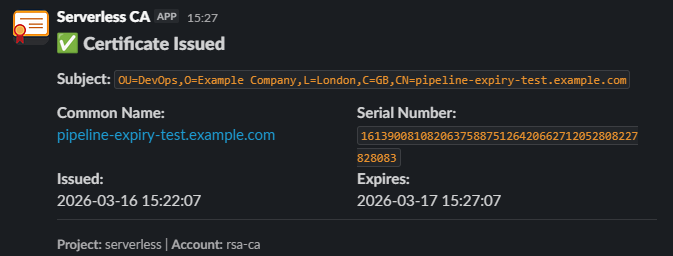
Slack notifications are sent by a Lambda function included as part of the Serverless CA module, with the Slack app OAuth token stored as an AWS Secret.
To enable Slack notifications, you need to:
- create Slack app
- provide list of Slack channels to send notifications to
- enter the Slack OAuth token value, either via CI/CD or manually using the console
Each step is detailed below.
1. Create Slack app
- Log in to your Slack workspace
- Open https://api.slack.com/apps

- press Create new app
- choose From scratch
- name App
Serverless CA - choose Slack Workspace for your organisation
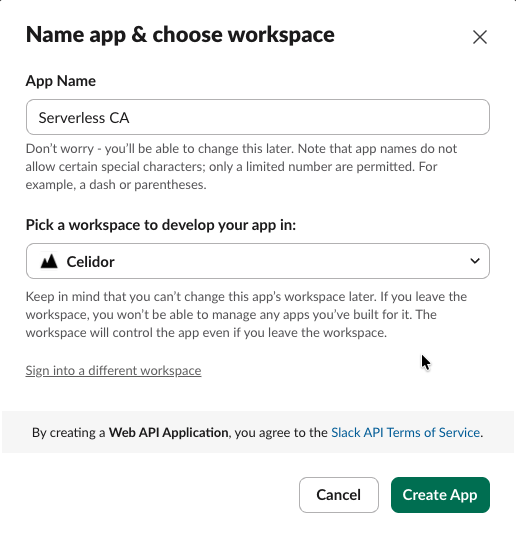
- press Create App
- from Features, select OAuth & Permissions
- scroll down to Scopes
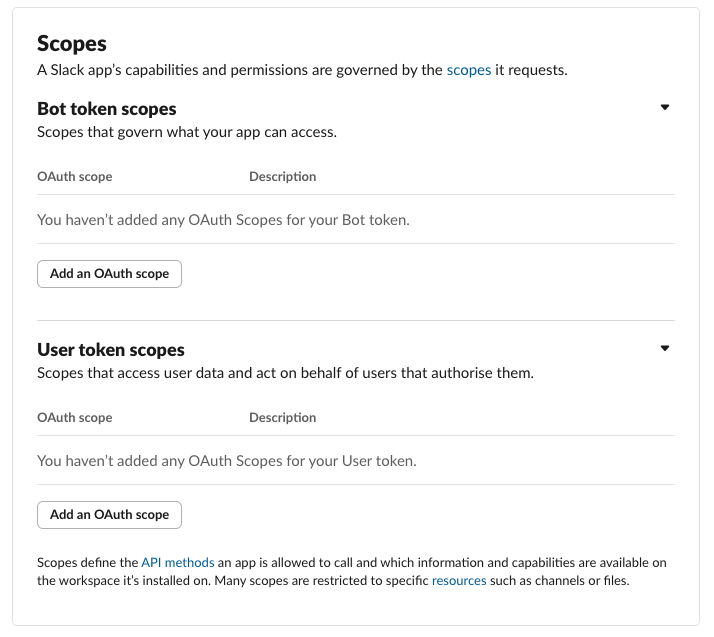
- under Bot Token Scopes, click "Add an OAuth Scope" to add
chat:writechat:write.customizechat:write.public
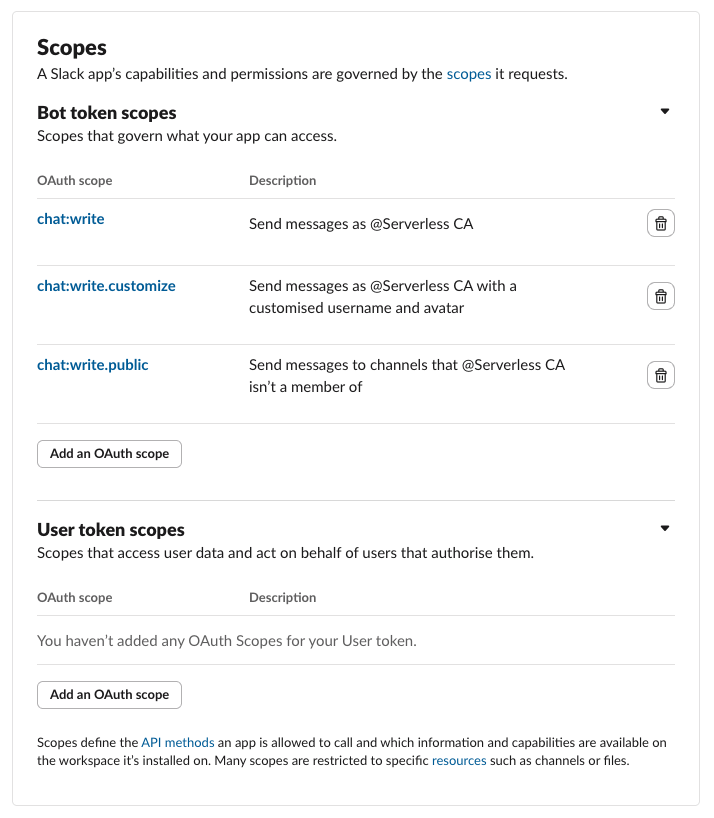
- scroll up to the top of OAuth & Permissions
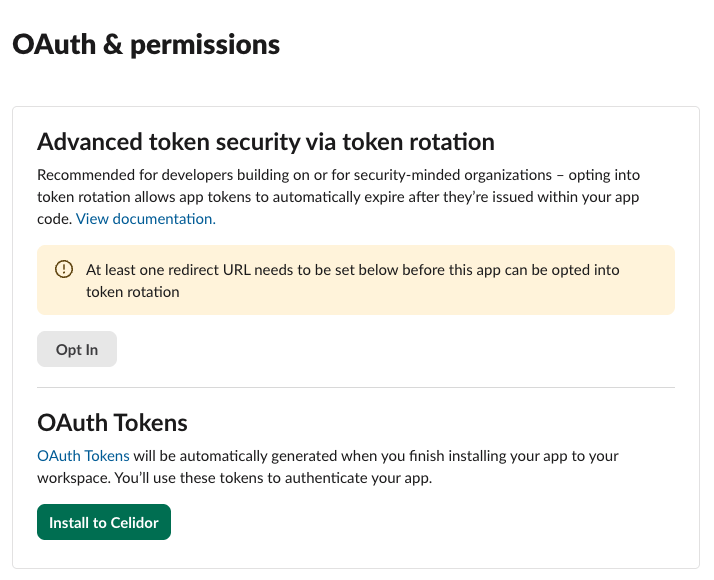
- press Install to workspace
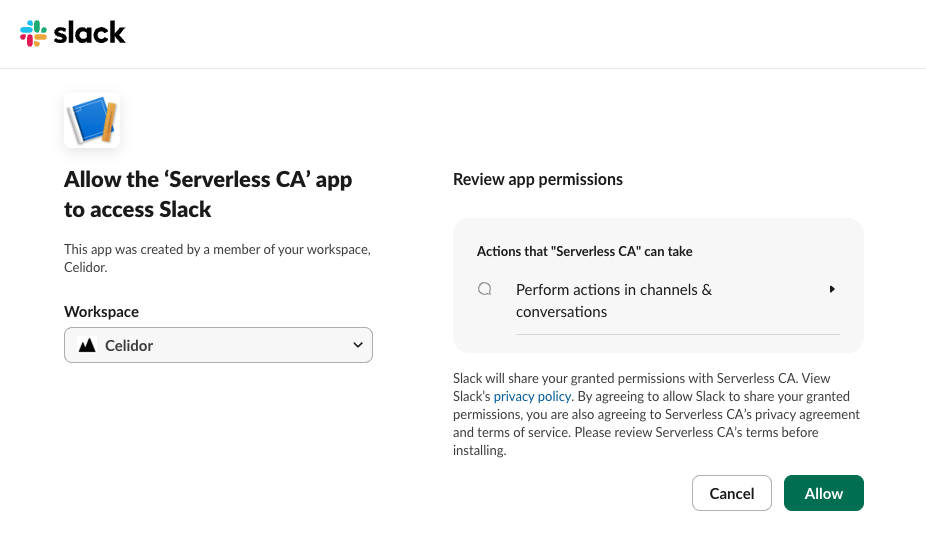
- press Allow
- a Bot User OAuth token will now be generated
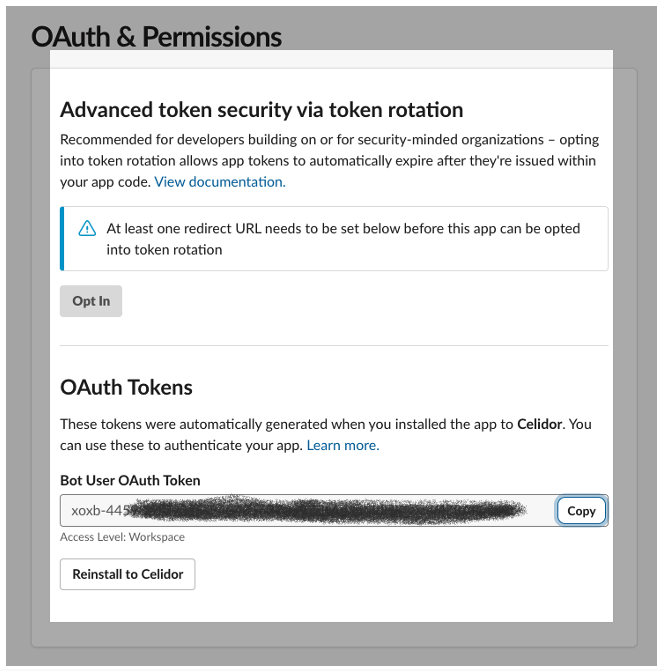
- record the token value which you'll need later
- at Basic Information, scroll down to Display Information
- at description, add
Private cloud Certificate Authority - add the Serverless CA Slack App Icon from this repository
- for background color enter
#2c2d30

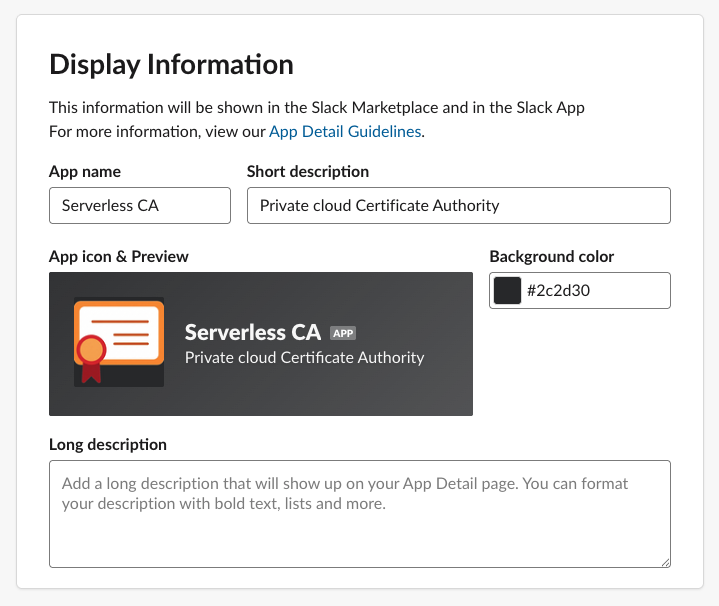
- save changes
2. Slack channels
Enter the names of Slack channels you want to send notifications to, e.g.
slack_channels = ["ca-notifications"]
3. Slack OAuth token
The Slack app OAuth token is stored as an AWS Secret. There are two options for adding the token value to the secret:
- manual using AWS console (default)
- uploaded via CI/CD
3.1. Manual using AWS console
- after adding the Slack channel names, apply Terraform
- the Notify Lambda function and AWS Secret for Slack will be created
- open the AWS console for the Serverless CA account
- In AWS Secrets Manager, select the Serverless CA Slack OAuth Secret
- overwrite the
dummy-valueSecret value - press Save
3.2. Upload via CI/CD
- create a CI/CD secret, e.g. a GitHub Actions Secret
SLACK_TOKEN - add the token value to the GitHub Actions secret
- pass through to the Terraform module using the
slack_tokenvariable - run the pipeline to apply Terraform
- the Notify Lambda function and AWS Secret for Slack will be created
See Cloud CA example repository and GitHub Actions pipeline.
3.3. Sharing the secret between CA deployments
Where more than one CA shares an AWS account and region, and posts to the same Slack
workspace, set existing_slack_secret_name on the additional deployments to the name of
the first deployment's secret, {PROJECT_NAME}-slack-token-{ENVIRONMENT_NAME}, e.g.
serverless-slack-token-prod. Those deployments then use the existing secret instead of
creating their own, so the token value is only uploaded once per region, and their notify
Lambda functions are granted kms:Decrypt on the KMS key encrypting it. The name is
published as the slack_secret_name Terraform output, whether the secret was created by
that deployment or shared with it.
Secrets Manager secrets are regional, and the name is looked up in the provider region, so a CA deployed to another region needs its own secret, or a replica of the shared one in that region. See the ml-dsa example, which shares the Slack secret of the rsa-public-crl deployment.