Slack
The serverless CA can be configured to deliver notifications to Slack.
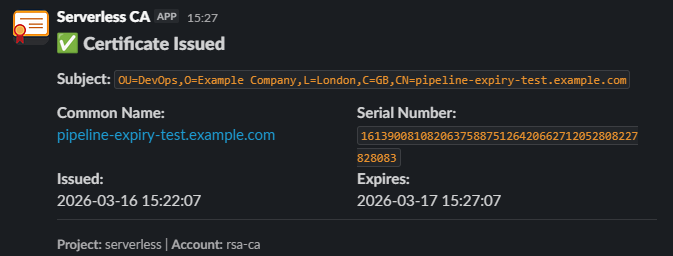
Slack notifications are sent by a Lambda function included as part of the Serverless CA module, with the Slack app OAuth token stored as an AWS Secret.
To enable Slack notifications, you need to:
- create Slack app
- provide list of Slack channels to send notifications to
- enter the Slack OAuth token value, either via CI/CD or manually using the console
Each step is detailed below.
1. Create Slack app
- Log in to your Slack workspace
- Open https://api.slack.com/apps

- press Create new app
- choose From scratch
- name App
Serverless CA - choose Slack Workspace for your organisation
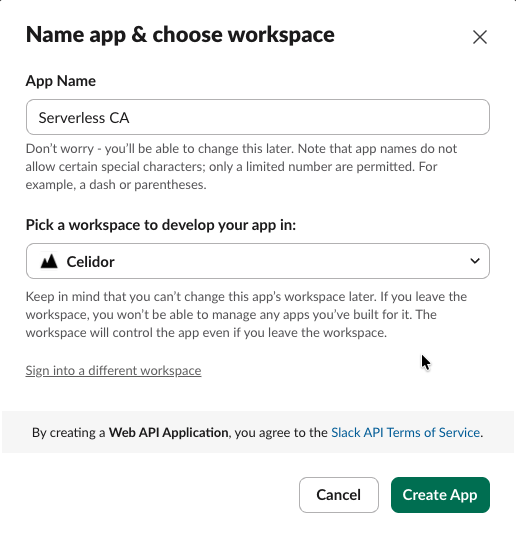
- press Create App
- from Features, select OAuth & Permissions
- scroll down to Scopes
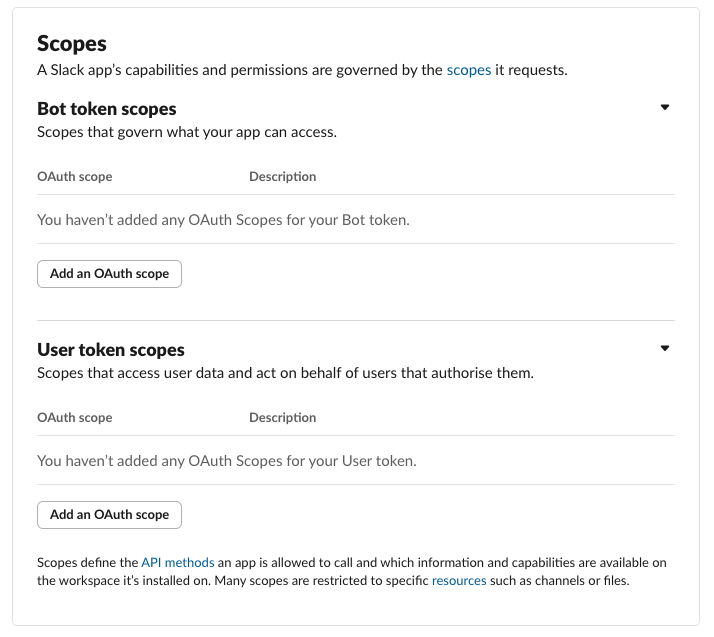
- under Bot Token Scopes, click "Add an OAuth Scope" to add
chat:writechat:write.customizechat:write.public
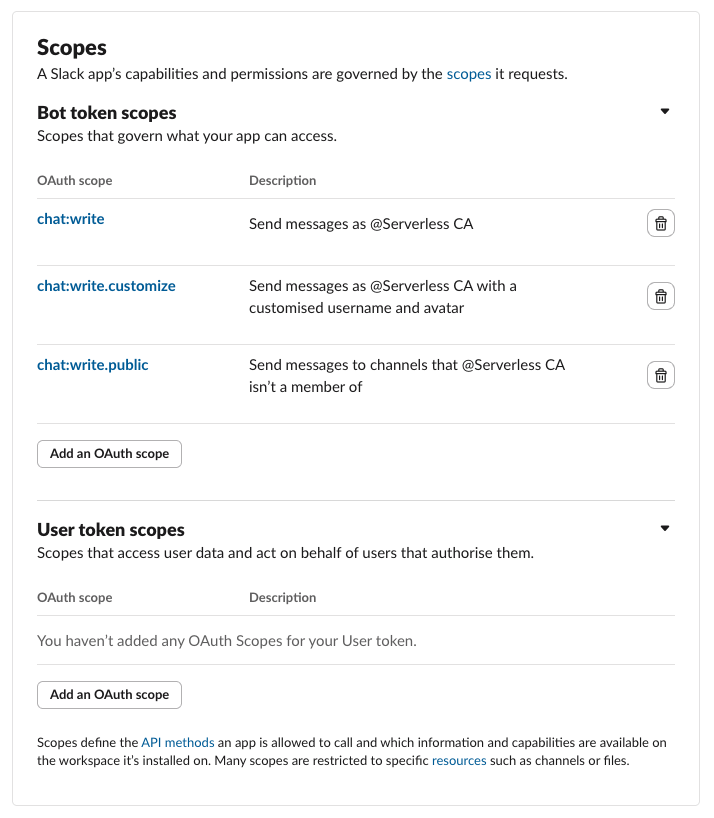
- scroll up to the top of OAuth & Permissions
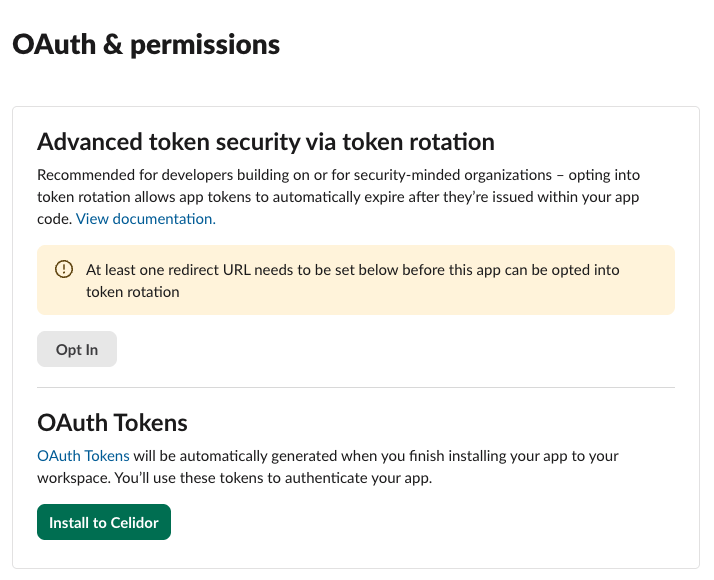
- press Install to workspace
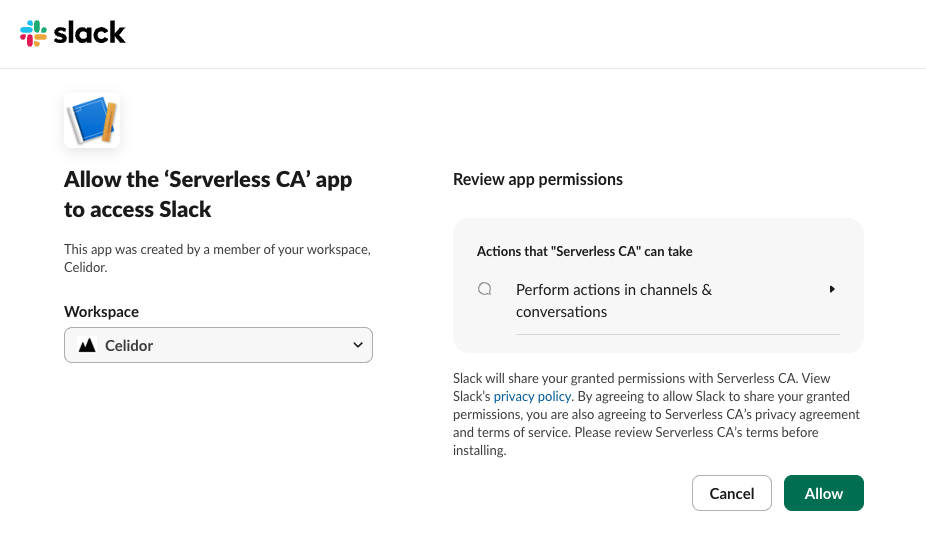
- press Allow
- a Bot User OAuth token will now be generated
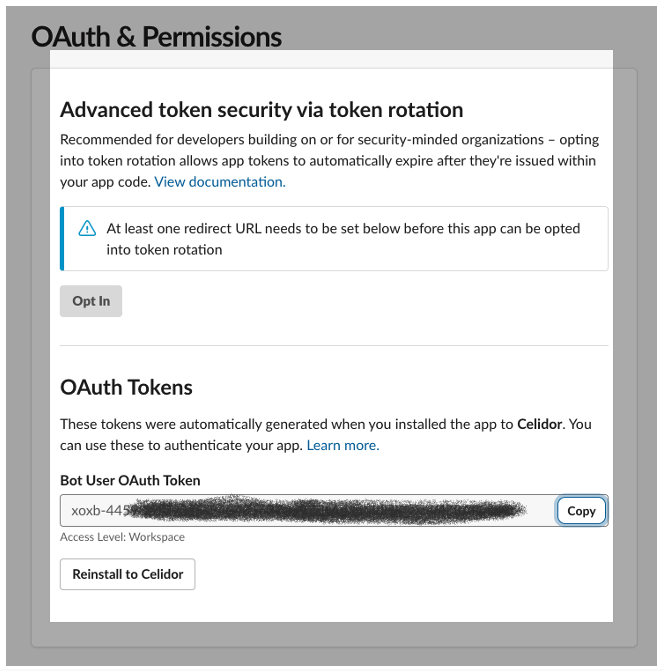
- record the token value which you'll need later
- at Basic Information, scroll down to Display Information
- at description, add
Private cloud Certificate Authority - add the Serverless CA Slack App Icon from this repository
- for background color enter
#2c2d30

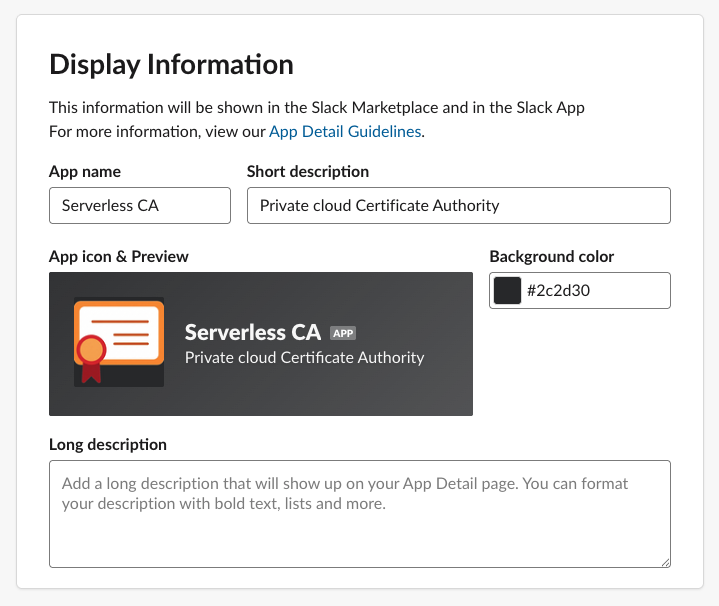
- save changes
2. Slack channels
Enter the names of Slack channels you want to send notifications to, e.g.
slack_channels = ["ca-notifications"]
3. Slack OAuth token
The Slack app OAuth token is stored as an AWS Secret. There are two options for adding the token value to the secret:
- manual using AWS console (default)
- uploaded via CI/CD
3.1. Manual using AWS console
- after adding the Slack channel names, apply Terraform
- the Notify Lambda function and AWS Secret for Slack will be created
- open the AWS console for the Serverless CA account
- In AWS Secrets Manager, select the Serverless CA Slack OAuth Secret
- overwrite the
dummy-valueSecret value - press Save
3.2. Upload via CI/CD
- create a CI/CD secret, e.g. a GitHub Actions Secret
SLACK_TOKEN - add the token value to the GitHub Actions secret
- pass through to the Terraform module using the
slack_tokenvariable - run the pipeline to apply Terraform
- the Notify Lambda function and AWS Secret for Slack will be created
See Cloud CA example repository and GitHub Actions pipeline.